



ALT TEXT
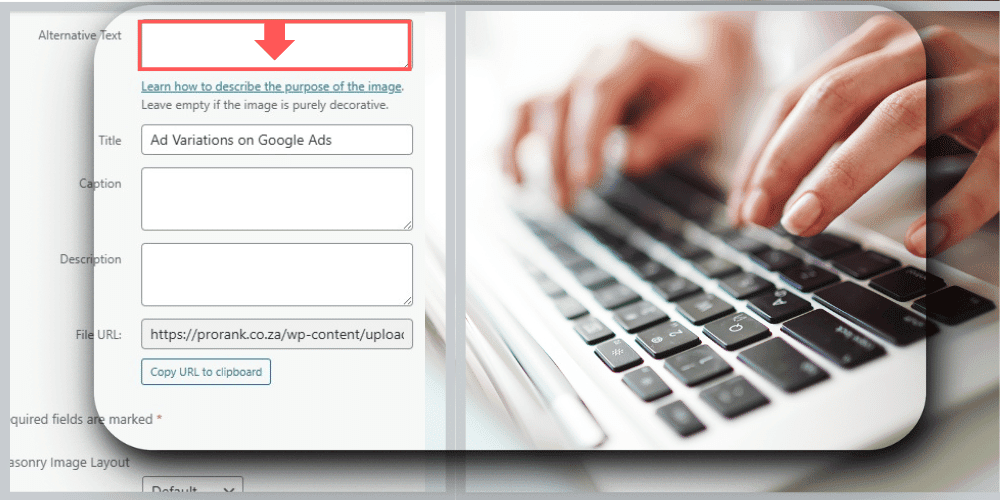

WHAT IS ALT TEXT
• Alternative text (Alt Text) was created to describe website images to people who couldn’t view these images.
• People with outdated browsers, slow internet connections, and visual impairments use Alt Text.
• Alt Text is a written description is added to your HTML code or directly from your website builder.
• A well-constructed ‘Alt Text’ can rank your website image on Page 1 of Google Images.

HOW TO CONSTRUCT AN ‘ALT TEXT’

THE DETAILS MATTER

Describe your website images in 1-2 sentence with great detail.
Be descriptive in your “Alt Text” and don’t forget to include colors, sizes and specific actions taking place in the picture.

AVOID REDUNDANCY
Avoid starting your description with the phrases “An Image of” or “A Picture of”.
The screen readers are aware the section of the website is an image.

INSERT KEYWORDS NATURALLY
Insert valauble keywords in the ‘Alt Text’ naturally.
The keywords need to be relevant to the image, and avoid keyword stuffing as it can hurt your SEO.

AVOID REPETITION
Do not use the title caption as your ‘Alt Text’ as it is redundant.
Explain the written description in shorter detail if the title caption already explains the image accurately.

FREQUENTLY ASKED QUESTIONS

Does Alt Text help with SEO?
Yes. Good alt text can help your images rank better on Google Images and improve your overall page relevance. Images that rank can drive traffic to your website too.
How long should Alt Text be?
The alt text should be short and clear. One simple sentence should explain what the image is about.
Should I include keywords in my Alt Text?
Yes, but only if it fits naturally. Don’t force keywords or stuff them as Google can pick that up as spam and may penalize you.
What kind of images need Alt Text?
All important images like product photos, service images, logos, and illustrations should have alt text. Decorative images don’t need it.